Small businesses lose an average of 15-20% of their fixed asset value to ghost assets, tracking errors, and compliance failures. For a company with $500,000 in fixed assets, that translates to $75,000 in unrecovered value annually through property tax overpayment, insurance premium excess, and depreciation miscalculations.
The question facing CFOs and Controllers is straightforward: When does the cost of manual asset tracking exceed the investment in dedicated software?
What is Fixed Asset Management Software? Fixed asset management software automates depreciation tracking, tax compliance, and financial reporting for long-term business assets. Unlike basic accounting software, it handles multiple depreciation books (GAAP, federal, state, AMT), complex methods like MACRS and Section 179, and generates IRS forms automatically for Controllers and Tax Managers.
This guide provides the financial analysis, implementation timelines, and decision frameworks finance leaders need to evaluate fixed asset management software—without the generic feature lists or surface-level comparisons.
The Real Cost of Spreadsheet-Based Asset Management
Most small businesses start with Excel or Google Sheets for fixed asset tracking. The approach works initially—until it doesn't.
According to Gartner research, up to 30% of fixed assets in manually tracked environments are misclassified, undervalued, or entirely unaccounted for. When tax auditors identify these discrepancies, the penalties extend beyond simple corrections—they trigger comprehensive reviews of depreciation schedules, potentially going back three to seven years.
The Tipping Point: When to Migrate from Spreadsheets
Finance teams typically hit the spreadsheet ceiling when:
Asset volume exceeds 50 items: Manual tracking becomes error-prone beyond this threshold. Depreciation calculations across multiple methods (MACRS, Straight-Line, Section 179) require systematic automation.
Multiple locations or departments: When assets move between locations or cost centers, spreadsheet tracking loses accuracy. Version control becomes impossible when three people are updating separate files.
Acquisition or disposal frequency increases: Companies acquiring or disposing of more than 10 assets annually struggle to maintain accurate records without automated workflows.
Audit requirements intensify: Banks, investors, or regulatory bodies demanding detailed asset documentation expose the limitations of spreadsheet-based systems.
Tax law changes impact depreciation: When bonus depreciation phases out or Section 179 limits adjust, recalculating thousands of rows manually introduces significant error risk.
What Fixed Asset Management Software Actually Does
Fixed asset management software automates the asset lifecycle from acquisition to disposal. Unlike general accounting software with basic depreciation modules, dedicated platforms handle the complexity that Controllers and Tax Managers face daily.
Core Functionality That Matters to Finance Teams
Automated depreciation calculations: The platform applies IRS-approved depreciation methods (MACRS, Straight-Line, Declining Balance, Sum-of-Years-Digits, Units of Production) based on asset class, placed-in-service date, and applicable conventions. When tax laws change, the system updates calculations retroactively without manual intervention.
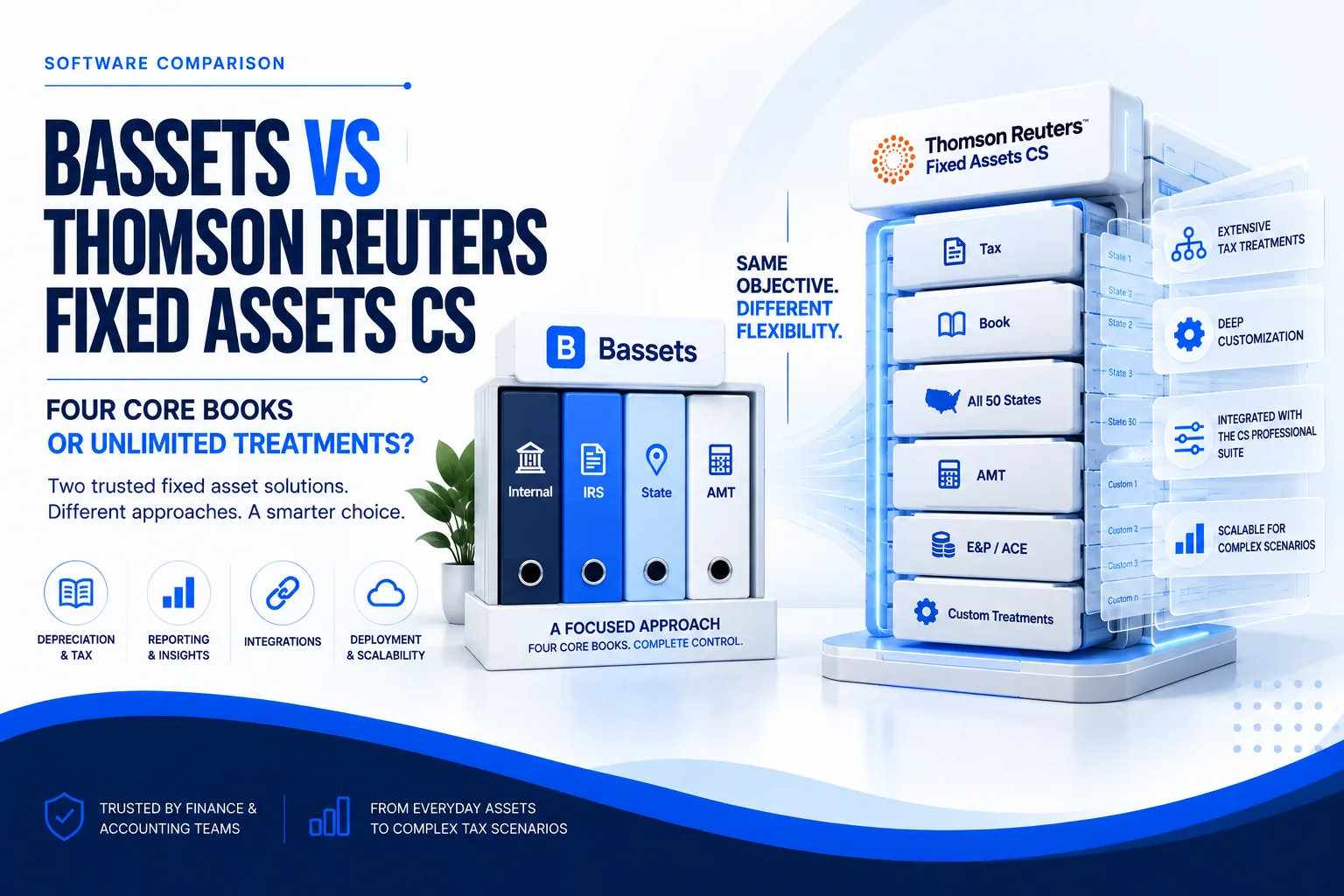
Multi-book depreciation management: Finance teams maintain separate depreciation schedules for book (GAAP), federal tax, state tax, and AMT purposes. The software synchronizes these books while preserving unique depreciation methods, lives, and conventions for each.
Tax form automation: Systems generate IRS Form 4562 (Depreciation and Amortization), Form 4797 (Sales of Business Property), and state-specific schedules directly from asset records. This eliminates manual data transfer and reduces preparation time by 60-70%.
Asset lifecycle tracking: Every acquisition, transfer, improvement, impairment, and disposal is documented with audit trails. When an asset moves from Construction-in-Progress to in-service status, the system triggers appropriate depreciation schedules automatically.
Integration with accounting systems: Data flows between fixed asset software and general ledgers (QuickBooks, Xero, NetSuite, Sage Intacct) eliminating duplicate entry. Depreciation journal entries post automatically based on your close schedule.
Compliance management: Platforms update annually for tax law changes, ensuring Section 179 limits, bonus depreciation percentages, and depreciation tables reflect current regulations.
The Decision Framework: Evaluating Software for Your Organization
Finance leaders should evaluate fixed asset software based on five critical dimensions that directly impact implementation success and long-term value.
1. Depreciation Calculation Flexibility
Your software must support every depreciation method your organization requires—now and in future tax scenarios.
Critical evaluation question: Can the software handle mid-year method changes without corrupting historical data? When bonus depreciation phased down from 100% to 80% in 2023, how did the system handle assets placed in service before and after the threshold?
2. Integration Architecture and Data Flow
The software's ability to integrate with your existing technology stack determines implementation complexity and ongoing maintenance burden.
General ledger synchronization: Look for bidirectional sync that pushes depreciation journal entries to your GL while pulling asset acquisition data automatically. One-way integrations create version control problems.
ERP connectivity: If you're running NetSuite, Sage Intacct, Microsoft Dynamics, or SAP, the fixed asset solution should embed natively or connect via certified APIs. Custom integration projects add $15,000-$50,000 to implementation costs.
Construction-in-Progress workflows: For businesses capitalizing construction projects, the software must track WIP costs across multiple accounting periods and convert them to depreciable assets when placed in service.
Lease accounting integration: With ASC 842 requiring operating lease capitalization, your fixed asset system should coordinate with lease accounting modules to track right-of-use assets and related depreciation.
3. Reporting and Audit Readiness
Controllers judge fixed asset software by reporting capability. Generic dashboards waste time—you need specific outputs for specific audiences.
Required reports for finance teams:
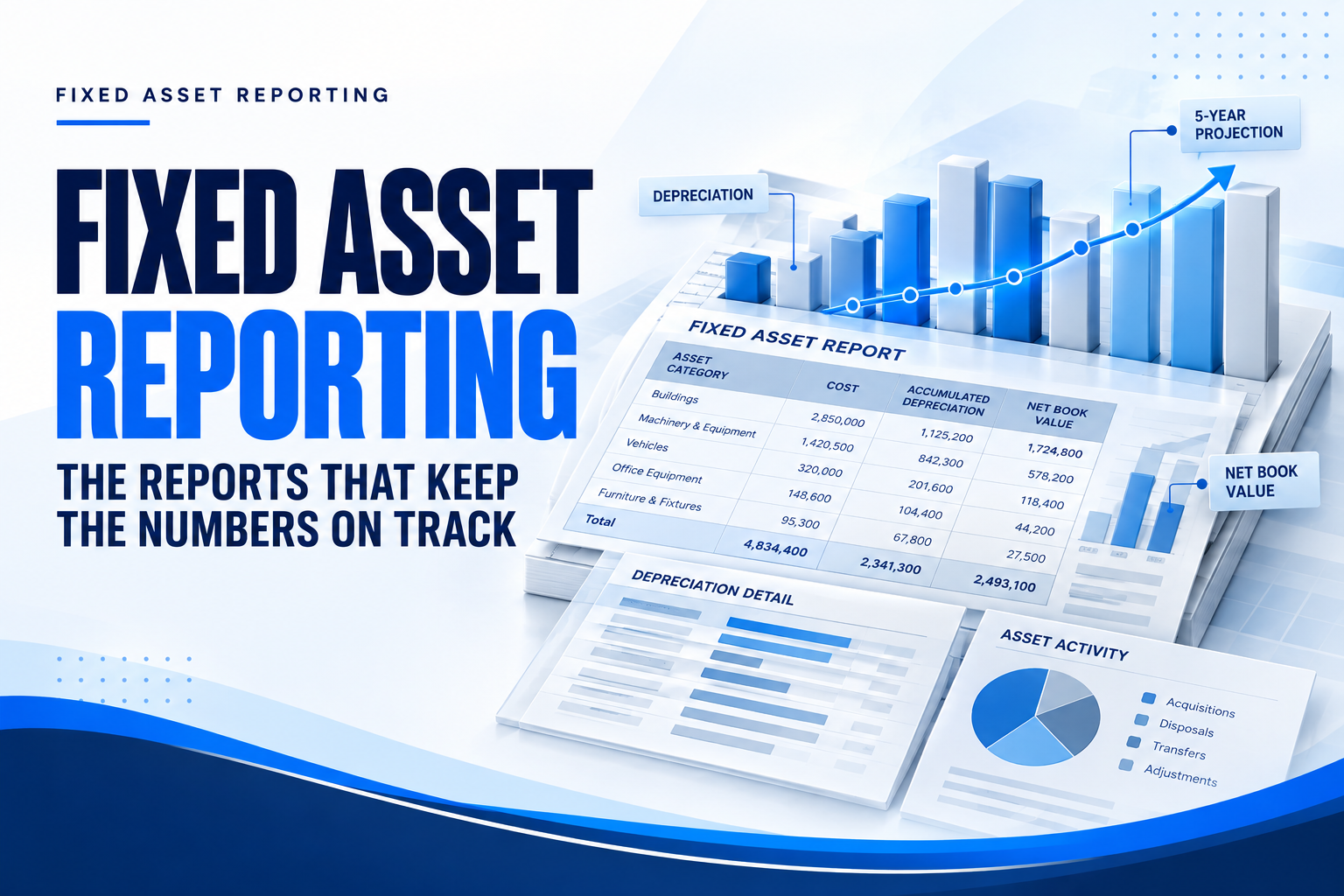
- Fixed asset roll-forward: Shows beginning balance, additions, disposals, depreciation, and ending balance by asset class
- Depreciation forecasting: Projects future depreciation expenses for budgeting and cash flow planning
- Asset reconciliation: Compares GL fixed asset accounts to detailed asset registers, highlighting discrepancies
- Tax vs. book comparison: Displays timing differences between GAAP depreciation and tax depreciation for deferred tax calculations
- Gain/loss on disposal: Calculates realized gains and losses for both financial reporting and tax purposes
Audit-specific deliverables:
- Detailed asset listings with acquisition dates, costs, accumulated depreciation, and net book values
- Depreciation method documentation and calculation worksheets
- Asset disposal schedules with sale proceeds and basis calculations
- Physical asset location reports for inventory verification
- Complete transaction audit trails showing who made changes and when
4. Implementation Timeline and Resource Requirements
Software vendors often understate implementation complexity. Understanding the actual timeline helps Controllers plan resource allocation and set realistic expectations with leadership.
Total realistic timeline: 10-16 weeks from contract signing to full production use. Organizations attempting to compress this timeline typically encounter data quality issues that extend implementation by months.
5. Total Cost of Ownership Analysis
Software pricing rarely reflects the complete cost picture. Controllers must evaluate the full five-year TCO when building the business case.
Annual software costs:
- Base subscription: $3,000-$15,000 depending on asset volume and user count
- Additional users: $500-$2,000 per user annually
- Premium support: $1,500-$5,000 annually
- Integration maintenance: $1,000-$3,000 annually
One-time implementation costs:
- Software implementation services: $5,000-$25,000
- Data migration and cleanup: $3,000-$10,000 (often underestimated)
- Custom integration development: $10,000-$50,000 if required
- Training and change management: $2,000-$8,000
Ongoing internal costs:
- System administration: 5-10 hours monthly
- Annual tax law update review: 10-20 hours
- User training for new hires: 4-8 hours per person
Five-year TCO example for a 500-asset organization:
- Year 1: $40,000 (implementation heavy)
- Years 2-5: $12,000 annually
- Total: $88,000 over five years
Compare this to spreadsheet management costs of $22,500 annually ($112,500 over five years) plus exposure to ghost assets (15% of $500,000 = $75,000) and audit risk.
Breakeven typically occurs in months 8-14 for organizations with 100+ assets.
Small Business-Specific Considerations
Small businesses face unique challenges that differ significantly from enterprise asset management needs. The right software acknowledges these constraints rather than forcing small companies into enterprise workflows.
Scalability Without Migration Projects
Your business has 75 assets today. In three years, you might have 300. In five years, potentially 1,000+. The worst-case scenario is outgrowing your software and facing a complete re-implementation.
Questions to ask vendors:
- What asset volume triggers a tier change in pricing?
- Can the system handle 10x growth without architectural changes?
- What happens to historical data if we outgrow the platform?
- Are there forced migration paths to enterprise versions?
The best small business solutions scale seamlessly from 10 assets to 10,000 assets without requiring new implementations or data migrations.
Limited Internal IT Resources
Small businesses rarely have dedicated IT staff to manage software deployments and integrations. The fixed asset platform must account for this reality.
Cloud-based deployment advantages:
- No server infrastructure to maintain
- Automatic updates and tax law changes
- Vendor-managed security and backups
- Remote access for distributed teams
- Minimal IT involvement required
Self-service configuration requirements:
- Intuitive asset class setup without coding
- Template-based depreciation method configuration
- Drag-and-drop report customization
- Straightforward user permission management
If the software requires IT involvement for routine tasks like adding users or modifying reports, you're looking at hidden ongoing costs.
Multi-Jurisdictional Compliance
Small businesses operating in multiple states face complex depreciation calculations that spreadsheets cannot handle efficiently.
State-specific depreciation requirements:
California decouples from federal bonus depreciation, requiring separate depreciation calculations for state tax purposes. New York has different Section 179 limits than federal rules. Texas property tax calculations use specific asset classification rules that differ from IRS depreciation classes.
Your software must maintain separate depreciation schedules for federal, state, and local jurisdictions simultaneously, updating each when laws change without manual recalculation.
Ghost Asset Prevention
Ghost assets—items that exist in your records but not in physical reality—represent one of the most significant financial risks for small businesses. These phantom assets inflate your balance sheet, increase property tax liability, and create insurance premium excess.
Software features that prevent ghost assets:
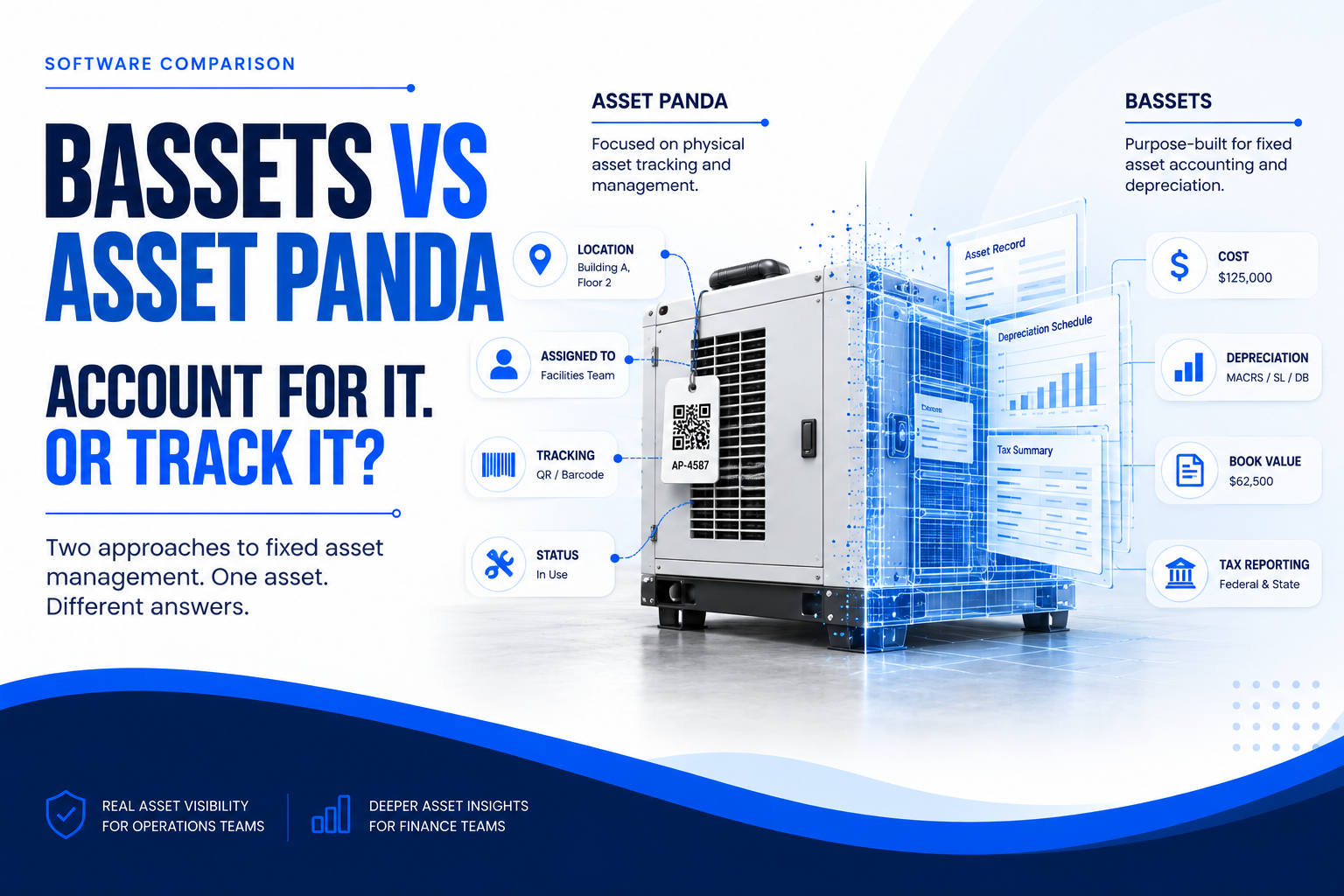
- Physical inventory tracking with barcode or RFID integration
- Location-based asset assignment and transfer workflows
- Automated alerts when assets reach disposal age
- Photo documentation and serial number tracking
- Regular reconciliation workflows between physical counts and system records
The Spreadsheet Exit Strategy: Migration Without Disruption
Moving from Excel to dedicated software requires methodical planning. Controllers who rush implementation create more problems than they solve.
Pre-Migration Preparation (Weeks 1-4)
Asset data cleanup: Before importing anything, audit your spreadsheet data. Verify acquisition dates, original costs, and accumulated depreciation. Resolve discrepancies with GL balances now—not during parallel operation.
Depreciation method documentation: Document which assets use which methods and why. This institutional knowledge often lives in one person's head. Capture it systematically.
Missing information identification: Your spreadsheet probably lacks data the new system requires: asset locations, departments, custodians, serial numbers, vendor information. Gather this data before migration starts.
Chart of accounts mapping: Map spreadsheet categories to your GL account structure. Fixed asset software posts journal entries—ensure those entries land in the correct accounts.
Data Migration and Validation (Weeks 5-8)
Staged migration approach: Migrate assets in phases rather than all at once. Start with the simplest category (office furniture with straight-line depreciation) to test the process before tackling complex assets.
Historical depreciation validation: Calculate one year of depreciation in both systems simultaneously. Compare results line by line. Investigate every discrepancy—they reveal configuration errors early.
Opening balance verification: The software's opening accumulated depreciation must match your GL exactly. This reconciliation proves data integrity before going live.
Parallel Operation Period (Months 3-4)
Run both systems concurrently for at least one quarter. Calculate depreciation in both the spreadsheet and the new software. Compare monthly results and investigate differences immediately.
This period feels inefficient—you're doing double work. But it builds confidence that the new system is calculating correctly before you abandon the spreadsheet safety net.
Key Features That Differentiate Enterprise-Grade Solutions
Not all fixed asset software platforms deliver equal value. Finance leaders should prioritize these capabilities that separate basic tools from comprehensive solutions.
Automated Tax Law Updates
Tax regulations change annually. Section 179 limits adjust. Bonus depreciation percentages phase in or out. Depreciation tables get modified. Asset class lives change.
Manual systems require Controllers to implement these changes across every affected asset. Software should update automatically—retroactively adjusting calculations without manual intervention.
Critical evaluation: Ask vendors how they handled the 2023 bonus depreciation reduction from 100% to 80%. Did they automatically recalculate affected assets? Did users need to manually update records?
Multi-Company and Multi-Entity Management
Small businesses often operate multiple legal entities—parent companies with subsidiaries, holding companies with operating entities, or franchise structures.
Managing separate asset registers for each entity while consolidating for financial reporting requires sophisticated data architecture. The system should:
- Maintain separate depreciation books per legal entity
- Enable cross-entity asset transfers with proper gain/loss calculations
- Generate consolidated reporting across entities
- Support inter-company asset sales with elimination entries
Custom Asset Classes and Depreciation Templates
While IRS depreciation tables cover most assets, organizations need flexibility to create custom classifications for industry-specific assets or unique business situations.
The software should allow Controllers to define:
- Custom asset classes with specific depreciation methods
- Hybrid depreciation approaches (partial Section 179 + bonus + MACRS)
- Company-specific useful lives that differ from IRS guidelines (for GAAP purposes)
- Reusable templates that standardize treatment across similar assets
Advanced Disposal Calculations
When businesses sell, scrap, or retire assets, the accounting grows complex. The system must calculate:
- Remaining net book value (cost minus accumulated depreciation)
- Gain or loss on disposal (proceeds minus net book value)
- Depreciation recapture (Section 1245 and 1250 property)
- Section 179 recapture if disposed within asset life
- State tax implications that differ from federal treatment
Manual calculations invite errors. Automated disposal workflows ensure compliance.
ROI Quantification: Building the Business Case
CFOs evaluate fixed asset software as a capital allocation decision. The business case requires demonstrating ROI through quantifiable cost savings and risk mitigation.
Direct Cost Savings
Labor cost reduction: Fixed asset software eliminates 200-300 hours of annual manual work for organizations with 100+ assets. At $75/hour fully loaded cost, that represents $15,000-$22,500 in annual savings.
Audit cost reduction: Clean, automated records reduce external audit hours. Audit firms charge $150-$300 per hour. Reducing audit procedures by 15-20 hours saves $2,250-$6,000 annually.
CPA fee reduction: If you outsource tax preparation, fixed asset software reduces CPA time required for depreciation schedules and tax form preparation. This saves 10-30 hours at $200-$350 per hour ($2,000-$10,500 annually).
Risk Mitigation Value
Ghost asset elimination: Identifying and writing off ghost assets saves property tax and insurance costs. For a $500,000 asset base with 15% ghost assets, annual savings reach $15,000.
Audit penalty avoidance: IRS penalties for depreciation errors range from 20-40% of underpaid tax plus interest. One avoided penalty pays for software implementation multiple times over.
Insurance claim accuracy: Accurate asset records ensure proper insurance claims. Understated asset values lead to claim denials. Overstated values waste premium dollars.
Strategic Value Creation
Cash flow forecasting accuracy: Precise depreciation projections improve budgeting and cash flow planning. Finance teams make better capital allocation decisions with reliable data.
M&A readiness: Companies with clean fixed asset records accelerate due diligence during acquisitions or funding rounds. Poor asset tracking delays transactions and reduces valuation.
Tax strategy optimization: Sophisticated depreciation software enables modeling different tax strategies (Section 179 vs. bonus depreciation vs. MACRS) to optimize tax deferrals.
Common Implementation Pitfalls and How to Avoid Them
Controllers who've implemented fixed asset software identify recurring mistakes that extend timelines, increase costs, and reduce user adoption.
Pitfall 1: Underestimating Data Quality Requirements
The mistake: Assuming you can import spreadsheet data directly without cleanup.
The reality: Your spreadsheet contains duplicate records, inconsistent asset descriptions, missing acquisition dates, and unexplained accumulated depreciation balances. Import this data and you'll spend months correcting errors.
The solution: Invest 40-80 hours in data cleanup before migration. Reconcile every asset to GL balances. Standardize naming conventions. Fill missing fields. This upfront work prevents downstream problems.
Pitfall 2: Insufficient Testing Before Go-Live
The mistake: Importing data and going live immediately without validation.
The reality: Small configuration errors create cascading calculation problems. By the time you discover the mistake, months of incorrect depreciation have posted to your GL.
The solution: Run parallel systems for one full quarter minimum. Compare every calculation. Test every integration. Validate every report. The parallel period builds confidence and catches errors early.
Pitfall 3: Inadequate Training and Documentation
The mistake: Assuming software is intuitive enough that users don't need training.
The reality: Staff accountants struggle with basic tasks. Asset managers don't understand workflows. Controllers can't generate required reports. Adoption fails.
The solution: Develop written procedures for common tasks (adding assets, processing disposals, generating reports). Train all users formally. Create a knowledge base for reference.
Pitfall 4: Ignoring Integration Complexity
The mistake: Selecting software based on features without evaluating integration requirements.
The reality: Your GL integration doesn't work as promised. You're manually exporting and importing data. The software becomes a disconnected island.
The solution: Demo the actual integration during evaluation. Watch the vendor connect to your specific GL version. Verify bidirectional data flow. Test journal entry posting. Confirm chart of accounts mapping.
Industry-Specific Considerations
Different industries face unique fixed asset challenges that influence software selection.
Manufacturing and Distribution
Asset intensity: High equipment and facility investment requires robust lifecycle management and maintenance tracking.
Depreciation complexity: Mix of accelerated depreciation for machinery and longer lives for buildings requires multi-method capabilities.
Production-based depreciation: Units of production depreciation for equipment that wears based on usage requires tracking integration with production systems.
Healthcare
Regulatory scrutiny: Medicare and Medicaid cost reporting requires detailed asset records and depreciation calculations for reimbursement.
Equipment variety: From medical devices to IT systems to buildings, healthcare organizations manage diverse asset portfolios requiring different depreciation treatments.
Compliance requirements: HIPAA considerations for patient care equipment tracking and disposal documentation.
Construction
Construction-in-Progress tracking: Long-duration projects require tracking costs until completion and conversion to depreciable assets.
Equipment utilization: High-value equipment like excavators and cranes require location tracking, maintenance scheduling, and usage-based depreciation.
Project costing: Asset costs must allocate to specific projects for job costing and profitability analysis.
Government and Nonprofit
GASB compliance: Governmental accounting standards require specific depreciation approaches and capitalization thresholds.
Grant tracking: Federally funded asset purchases require separate tracking for grant compliance and audit purposes.
Transparency requirements: Public sector entities face higher scrutiny requiring detailed asset reporting and public disclosure.
Questions Finance Leaders Should Ask Vendors
These questions reveal software capability and vendor reliability better than marketing materials.
Technical Capability Questions
- How does your system handle mid-year acquisitions with different conventions (half-year, mid-quarter, mid-month)?
- Show me how you calculate partial-year depreciation when disposal doesn't occur on the last day of the fiscal year.
- What happens to accumulated depreciation when I transfer an asset between legal entities?
- How do you handle Section 179 recapture when an asset is disposed before the end of its recovery period?
- Can I run depreciation projections for budget purposes without posting actual journal entries?
Integration and Data Questions
- How does the GL integration work with [specific accounting system]? Is it bidirectional or one-way?
- What data validation occurs during import to prevent duplicate assets or corrupted records?
- Can I export my complete asset register at any time without vendor assistance?
- How do you handle chart of accounts changes in my GL? Does asset mapping break?
- What happens to historical data if I need to migrate to a different system in the future?
Support and Maintenance Questions
- When tax laws change, how quickly do you update depreciation calculations? Do updates apply retroactively?
- What level of support is included versus paid add-ons?
- Who responds to support tickets—frontline staff or technical experts who understand depreciation?
- What's your average response time for critical issues during month-end close?
- Do you provide implementation services or rely on third-party consultants?
Bassets Fixed Asset Management: Built for Finance Teams
Bassets delivers sophisticated depreciation management without enterprise complexity. Our platform was designed by accountants who understand the Controller's perspective.
Automated depreciation accuracy: Bassets supports 50+ depreciation methods including all MACRS variations, straight-line, declining balance, sum-of-years-digits, and units of production.
Tax compliance automation: Annual tax law updates occur automatically without user intervention. When Section 179 limits change or bonus depreciation percentages adjust, Bassets recalculates affected assets retroactively. IRS Form 4562, Form 4797, and state-specific schedules generate instantly.
Scalable architecture: Whether you're managing 100 assets or 100,000, Bassets performs consistently. No migration projects required as you grow. Add locations, legal entities, and users without architectural changes or data exports.
Controller-focused reporting: Fixed asset roll-forwards, depreciation forecasts, tax vs. book comparisons, and audit-ready schedules generate with one click. Custom report builder enables finance teams to create specific outputs without IT involvement.
Implementation support: Our implementation team includes CPAs who understand fixed asset accounting complexity. We provide dedicated onboarding, data migration assistance, and parallel operation support.

We'll walk through:
- How Bassets calculates depreciation for your actual asset types
- Integration with your existing accounting system
- Migration from your current spreadsheet or software
- Realistic implementation timeline and resource requirements
Frequently Asked Questions
How much does fixed asset management software typically cost for small businesses?
Annual costs range from $3,000-$15,000 based on asset volume and users. Implementation adds $5,000-$25,000 one-time. Total first-year investment runs $10,000-$40,000. Organizations with 100+ assets typically achieve ROI within 8-14 months through labor savings and ghost asset elimination.
Do I need fixed asset software if I only have 30-50 assets?
Businesses with under 50 assets manage fine with spreadsheets if depreciation is simple. However, multiple locations, complex depreciation methods, frequent transactions, or audit requirements justify software regardless of volume. Complexity matters more than quantity.
How long does implementation typically take?
Realistic timelines run 10-16 weeks including data cleanup, configuration, migration, testing, training, and parallel operation. Rushing implementation causes data quality issues that extend the project. Plan three to four months for proper deployment.
What's the difference between fixed asset software and my accounting software's depreciation module?
Accounting software handles basic depreciation. Dedicated platforms manage multiple depreciation books, Section 179 tracking, bonus depreciation, multi-entity consolidation, complex disposals, automated tax forms, and detailed audit trails. Multi-state filers need dedicated software.
How does fixed asset software handle tax law changes?
Quality platforms automatically update when tax laws change. Software recalculates Section 179 limits and bonus depreciation percentages retroactively without user intervention. Manual systems require Controllers to update every affected asset manually—a weeks-long process.
Can fixed asset software integrate with my existing accounting system?
Most platforms integrate with QuickBooks, Xero, NetSuite, Sage Intacct, and Microsoft Dynamics. Integration quality varies—verify bidirectional sync that automatically pushes depreciation entries to your GL and pulls acquisition data without manual export/import.
What happens to my data if I outgrow the software or want to switch vendors?
Reputable vendors provide complete data export including asset details, depreciation history, and transactions. Verify CSV or Excel export capability before purchasing—some vendors only export proprietary formats. Export complete data quarterly as backup.
How do I prevent ghost assets when implementing fixed asset software?
Conduct physical inventory during implementation. Barcode tag assets, count by location, reconcile to records, investigate discrepancies, and write off ghosts before go-live. Software features helping include photo documentation, location tracking, and automated reconciliation workflows.
Should small businesses choose cloud-based or on-premise fixed asset software?
Small businesses benefit from cloud solutions with automatic updates, vendor-managed security, remote access, and minimal IT requirements. Choose on-premise only when regulations mandate local data storage or legacy system integration requires it.
What reports should I expect from fixed asset management software?
Essential reports include fixed asset roll-forward, depreciation forecasts, tax vs. book comparison, gain/loss on disposal, IRS Forms 4562 and 4797, GL reconciliation, asset listings by location/department, accumulated depreciation schedules, and audit trails.